Your website is live. It looks decent. People are visiting it.
But the leads aren’t coming in. The phone isn’t ringing. The contact form submissions are a trickle when they should be a flood.
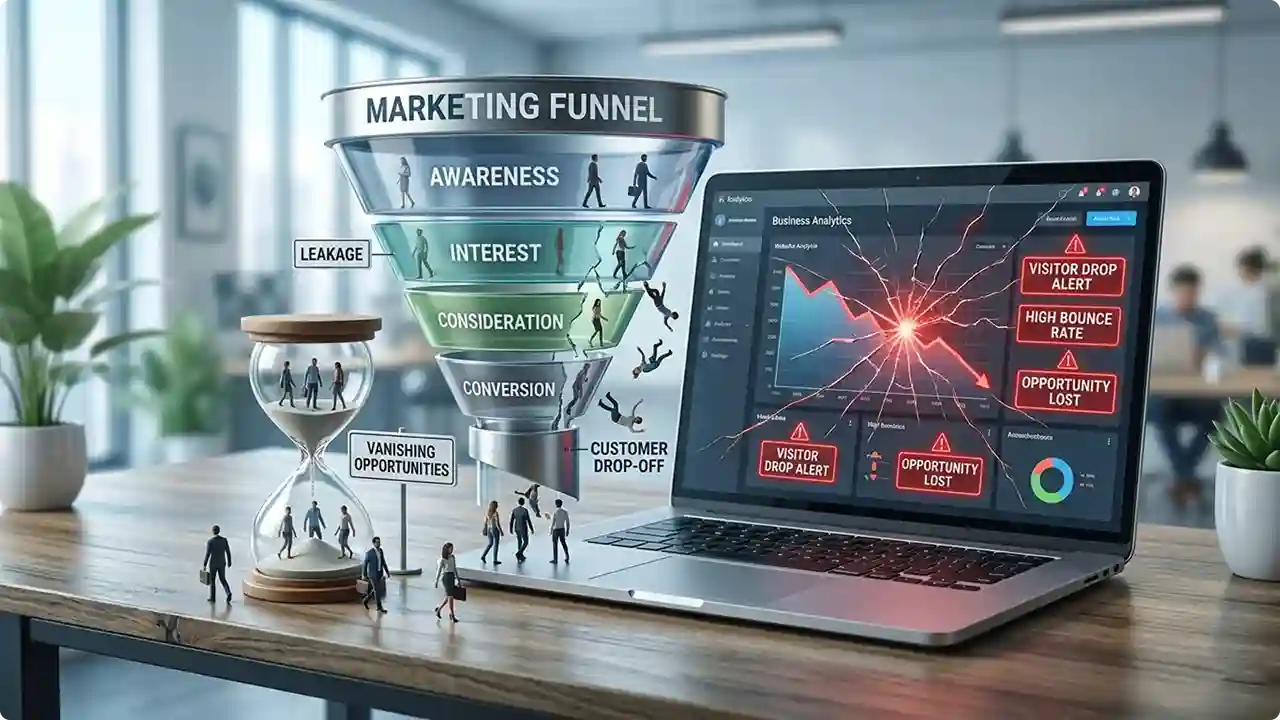
Here’s the uncomfortable truth: for most small businesses, the website isn’t broken enough to notice that it’s broken just enough to quietly lose customers. Not all at once. Not with an error message. Just a slow, invisible leak of potential customers who visit, don’t trust what they see, and leave to call someone else.
In this post, I’m going to walk you through the 7 most common signs that your website is costing you customers and exactly what to do about each one.
Sign #1: Your Website Takes More Than 3 Seconds to Load
This is the single biggest silent killer of conversions.
Studies consistently show that 53% of mobile users will abandon a page that takes longer than 3 seconds to load. Every additional second of load time reduces conversions significantly. If your site loads in 6 seconds, you’re losing roughly half your visitors before they’ve even seen your homepage.
The worst part? You probably don’t notice it. You’ve visited your site hundreds of times and your browser has it cached, so it loads instantly for you. For a first-time visitor on a mobile connection, the experience can be completely different.
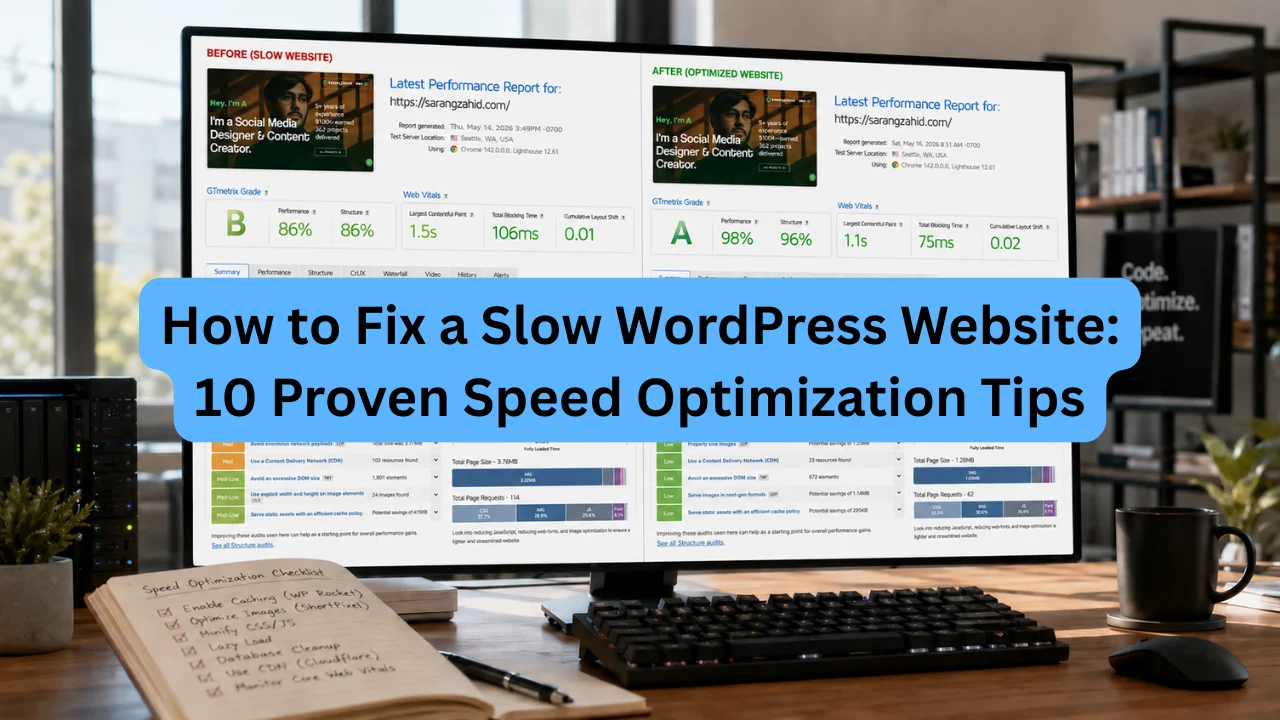
How to check: Go to PageSpeed Insights and enter your URL. Google will give you a score out of 100 and specific recommendations.
How to fix it:
- Switch to quality managed WordPress hosting (SiteGround, WP Engine, Kinsta)
- Install a caching plugin (WP Rocket or LiteSpeed Cache)
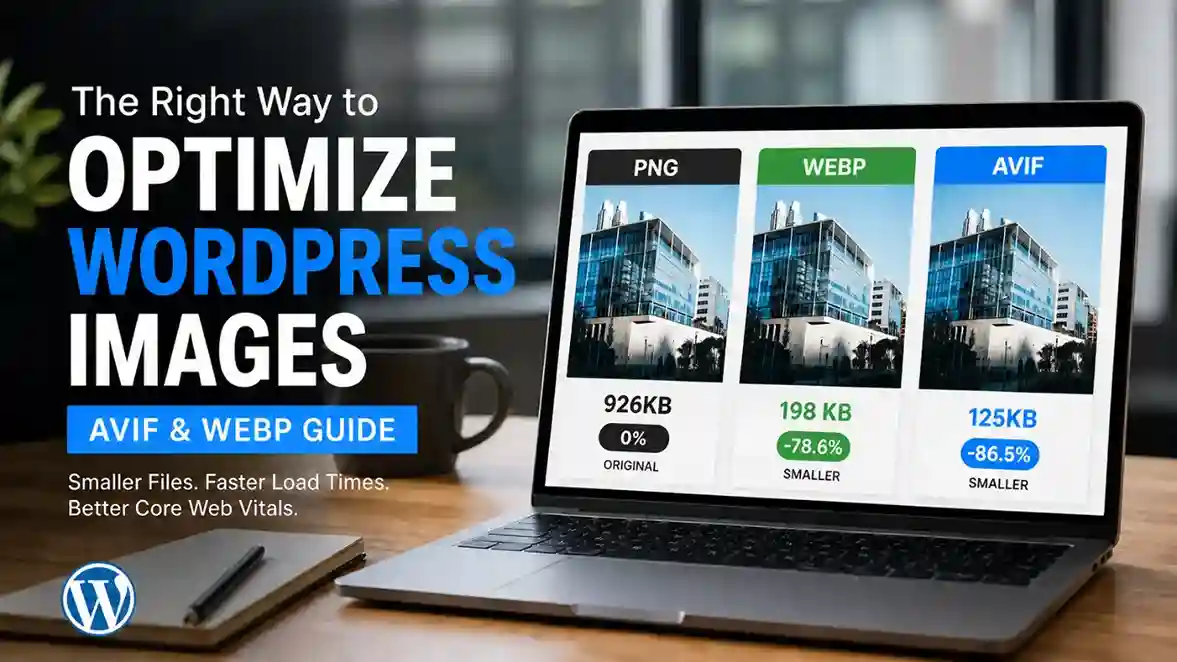
- Compress and properly size your images (use WebP format)
- Remove unused plugins and scripts
- Enable a CDN (Content Delivery Network) to serve your site faster globally
If your site scores below 50 on mobile, this needs to be addressed urgently. A developer can implement these fixes systematically or you risk continuing to pay for advertising that sends visitors to a slow site where most of them leave immediately.
Sign #2: Your Homepage Doesn’t Answer “What Do You Do?” Within 5 Seconds
When someone lands on your homepage, they’re making a split-second decision: Is this relevant to me? Can this person help me?
If your above-the-fold section (the part visible before scrolling) doesn’t clearly communicate:
- What you do
- Who you do it for
- Why they should care
…they’re gone. A beautiful hero image with a vague tagline like “Empowering Businesses to Grow” tells a visitor nothing. “WordPress Websites for Tradespeople in London, Built to Get You More Calls” tells them everything.
How to check: Show your homepage to someone who’s never seen it. Cover the logo and business name. Ask them: “What does this business do? Who is it for?” If they can’t answer confidently in 5 seconds, you have a clarity problem.
How to fix it:
- Rewrite your headline to include: what you do + who you serve + the outcome they get
- Put your primary call-to-action (call, quote, contact) above the fold, it should be visible without scrolling
- Remove generic stock photography and use real images of your work or team
- Simplify. Most homepages are cluttered with too many messages. Pick one.
Sign #3: Your Site Has No Clear Call to Action
Browse most small business websites and you’ll find the same problem: lots of information, no direction.
No prominent phone number. A contact form buried at the bottom of the contact page. No buttons that say “Get a Free Quote” or “Book a Call.” The assumption that visitors will naturally figure out what to do next.
They won’t. People are busy, distracted, and impatient. If you don’t tell them exactly what step to take, most of them will take none.
How to check: Visit your homepage and ask: “If I wanted to do business with this company right now, what would I click?” Is the answer immediately obvious? Is it visible without scrolling?
How to fix it:
- Add a prominent CTA button in your navigation bar and hero section
- Make your phone number clickable and visible on every page (especially on mobile)
- Use directional language: “Get a Free Quote,” “Book a 15-Minute Call,” “Start Your Project” not just “Contact Us”
- Add micro-CTAs throughout your service pages, not just at the top and bottom
- Consider adding a sticky header with a click-to-call button on mobile
Sign #4: Your Site Looks Bad on Mobile
More than 60% of web traffic now comes from mobile devices. In some industries, especially local services. That number even becomes higher.
If your website isn’t properly optimized for mobile, you’re delivering a broken experience to the majority of your visitors. This includes: text that’s too small to read, buttons that are too close together to tap, images that don’t scale properly, and horizontal scrolling (a cardinal sin in mobile design).
Google also uses mobile-first indexing, meaning your mobile site is what Google actually evaluates for ranking purposes. A poor mobile experience doesn’t just hurt conversions, it hurts your search rankings too.
How to check: Open your website on your phone right now. Then open it on a friend’s phone with a different screen size.
How to fix it:
- Ensure you’re using a responsive WordPress theme (most modern themes are, but older sites often aren’t)
- Check and fix font sizes body text should be at least 16px on mobile
- Ensure all buttons are large enough to tap (minimum 44px height)
- Simplify your mobile navigation
- Test every page, not just the homepage
Sign #5: You Have No Social Proof
When someone finds your website through Google, they have no prior relationship with you. They don’t know if you’re trustworthy, competent, or reliable. Your job is to prove it quickly.
Social proof is the fastest way to do that. This includes:
- Client testimonials with real names and photos (not just “John D., Business Owner”)
- Case studies showing problems you solved and results you delivered
- Google reviews rating displayed on your site
- Logos of companies you’ve worked with
- Before and after examples of your work
If your website has none of these, just your services listed and a contact form you’re asking visitors to take a leap of faith. Most won’t.
How to check: Ask yourself: if a skeptical stranger visited your site with no idea who you are, what evidence would convince them to trust you? Count how many pieces of genuine proof are visible.
How to fix it:
- Email your 5 best past clients and ask for a testimonial (most will say yes)
- Screenshot your best Google reviews and display them on your homepage
- Create one detailed case study from a recent project describe the problem, your process, and the outcome
- Add the Elfsight or Google Reviews widget to pull in live reviews automatically
- Put testimonials on service pages, not just a dedicated “testimonials” page nobody visits
Sign #6: Your Website Copy Talks About You, Not the Customer
This is the most common copywriting mistake on small business websites: the entire site is written from the business’s perspective rather than the customer’s.
“We are a family-run business established in 2008. We offer a wide range of services. We pride ourselves on quality and customer satisfaction.”
Nobody reads this. Nobody cares not because they’re heartless, but because they came to your website with a problem they need solved. They’re scanning for evidence that you understand their problem and can fix it.
How to check: Read your homepage and count how many times it says “we” versus “you.” If “we” dominates, you have a customer-centricity problem.
How to fix it:
- Rewrite your copy to lead with the customer’s problem and desired outcome
- Instead of “We build websites,” try “Get a website that brings in leads while you sleep”
- Address objections proactively: price, timeline, trust, competence
- Use the language your customers actually use pull phrases from your best reviews
- Tell people what their life or business looks like after working with you
Sign #7: You Don’t Know Where Your Traffic Comes From (or If Anyone Visits)
If you don’t have Google Analytics and Google Search Console set up and actively monitored, you’re flying completely blind.
You can’t fix a problem you can’t measure. Without analytics, you have no idea:
- How many people visit your site each month
- Which pages they visit (and which they immediately leave)
- Where your traffic comes from (Google, social, direct, referrals)
- What search terms people use to find you
- Which pages have the worst bounce rates and need attention
Most small business websites have Google Analytics technically installed but nobody has looked at the data in months.
How to check: Log into your Google Analytics account right now. Can you tell me your top 3 traffic sources last month? Your most-visited page? Your average bounce rate? If the answers are “I’m not sure” or “we don’t have that,” this is urgent.
How to fix it:
- Install Google Analytics 4 (GA4) and Google Search Console if you haven’t already
- Set up conversion tracking, form submissions, phone clicks, specific button clicks
- Schedule a monthly 30-minute “website health check” where you review the numbers
- Look for pages with high traffic but with high bounce rates, those are where you’re losing people
- Use Search Console to find keywords you’re ranking for but not optimizing.
The Bigger Picture
Here’s the thing: most of these problems don’t require a complete website rebuild. They require focused, strategic improvements, better copy, faster hosting, stronger calls to action, more social proof.
But if you have three or more of the signs above? It might be time to have a proper conversation about a revamp. A website that converts at 2–3% instead of 0.5% is worth 4–6x more to your business even if the traffic stays exactly the same.
The visitors are already there. You just need to stop leaking them.
Want a Free Website Review?
I offer a complimentary 30-minute website review where I’ll walk through your site and identify your top 3 conversion problems with specific, actionable recommendations.
No sales pressure. Just honest feedback from a developer who’s seen what works and what doesn’t.